GravitreX Arcade Key günstig kaufen
03.03.2021 (Quelle: Steam)
Lghghre
DRM
Region Global
GravitreX Arcade kostet als Steam-Key aktuell ab 0,92 € bei Kinguin. Der Preis enthält 0,45 € Gebühren. Wir vergleichen 3 verfügbare Angebote aus 3 Shops. Bei Steam kostet GravitreX Arcade 7,50 €, mit dem günstigsten Steam-Key sparst du 6,58 € (88 %). Stand: 12. Oktober 2026, 16:20 Uhr.
Automatisch geprüft, zuletzt vor 1 Stunde
Wie wir vergleichen
ab0,92 €Preis ohne Gebühren0,47 €Preis inkl. Karten- und PayPal-Gebühren+0,45 € 0,92 €
 Kinguin
Preisvergleich
3 Ergebnisse
| Shop | Produkt | Gutschein | Preis | zum Shop |
|---|---|---|---|---|
|
Kinguin
|
Steam Key
2371004
Aktualisiert:
Auf Lager
DRM: Steam
Region: Global
|
0,92 €Preis ohne Gebühren0,47 €Preis inkl. Karten- und PayPal-Gebühren+0,45 € 0,92 €
inkl. 0,45 € PayPal/Kartengebühr
|
Zum Shop | |
 K4G
K4G
|
Steam Key
789322
Aktualisiert:
Auf Lager
DRM: Steam
Region: Global
|
GAMEFOREST12PR8
|
2,99 €Preis ohne Gutschein2,66 €Gutschein GAMEFOREST12PR8−12 % (−0,32 €)Preis mit Gutschein (ohne Gebühren)2,34 €Preis inkl. Karten- und PayPal-Gebühren+0,65 € 2,99 €
inkl. 0,65 € PayPal/Kartengebühr
|
Zum Shop |
 Steam
Steam
|
Steam Standard Key
2730931
Aktualisiert:
Auf Lager
DRM: Steam
Region: Global
Edition: Standard
|
7,50 €Preis7,50 €
|
Zum Shop | |
|
Steam-Guthaben ab 1,06 € pro 1 € Guthaben vergleichen
So geht’sGuthaben lädst du einmal auf dein Konto und bezahlst damit mehrere Käufe direkt im offiziellen Shop. Als Code kostet Steam-Guthaben gerade mehr als sein Nennwert. Der Kurs von 1,06 € pro 1 € gilt für die Karte über 50 €, der Vergleich zeigt alle Kartengrößen. Restguthaben bleibt in deinem Konto. |
||||
Preisalarm
| Freigegeben | 03. März 2021 |
| Typ | Game |
| Website | zur Website |
| Entwickler | Lghghre |
| Herausgeber | Lghghre |
| Steam Bewertung | 75 % positiv aus 16 Bewertungen |
| Plattform | PC |
| Genres | |
| Szenario | |
| Stil | |
| Spielmodi |
Hier findest du eine Auswahl der günstigsten Angebote im GravitreX Arcade Key Preisvergleich. Spare Zeit und Geld, indem du aus unser Übersicht der besten Game Shop Angebote den besten Preis findest, um so schnell zu deinem gewünschten Key kommst. Hier warten täglich aktualisierte Angebote der wichtigsten Key Shops, damit du immer den besten Deal findest.
Preisverlauf
Preisentwicklung von GravitreX Arcade
Tippe oder fahre über den Verlauf, um Preise zu sehen.
GravitreX Arcade auf Steam
Quelle: SteamUpdates zu GravitreX Arcade
-
Sliding achievements fixed
This is just a small bugfix. Any achievements related to sliding, such as Lucky Bulls Eye, Lucky Livin' On The Edge and Luck has nothing to do with it, have apparently been broken for some time. They should now unlock as expected. So if any…
-
Update
In conjunction with GravitreX Arcade releasing for Android, the PC version also got a few minor updates. Most notably there is now a mouse cursor that can be used in the menus. If you want to check out the Android version, it's available on…
-
Highscores hotfix
Hopefully fixed problems with posting highscores.
-
Survival mode has arrived!
Survival This update brings with it the new Survival mode modifier. It changes the whole strategy. Every damage to a ship is a damage that will stay until repaired. How far will you make it? Every 10k points, a random broken system is repai…
-
All-time highscores
I changed the highscores to always be All-time. With the Big Update, adding god knows how many combinations of highscore lists with all the modifiers and new levels, I realized that the Highscore tables will be very empty for most players…
-
The big update
When the last of the Prime Five slots was taken, I contacted the Prime Five and asked them if there was a feature that they would like to see implemented in the game. They all had a request, and then I asked them if they wanted to design a…
-
Fifth and last of the Prime Five slots taken!
Congratulations to Logan Gramley from Phoenix, AZ, who is our final Prime Five! The first five players to beat the game will forever be known as the Prime Five. Logan had seen the Arcade machine at the 8-bit Aleworks in Avondale before, but…
-
Fourth Prime Five slot taken!
Congratulations to Travis Yoder, who is our fourth Prime Five! The first five players to beat the game will become the Prime Five. In the previous announcement, we mentioned Travis who gave Stu a ride to the arcade to play GravitreX for the…
-
Prime Five number three gone!
Congratulations to Stuart Campbell, who is our third Prime Five! The first five players to beat the game will become the Prime Five. Like Jacob, Stuart too has a history with the game. Stu first played GravitreX in 2016 at The Grid in Mesa…
-
Second Prime Five slot taken!
Congratulations to Jacob Ross, who is now and forever the second of the Prime Five! The first five players to beat the game will become the Prime Five. Jacob has a long history with the game dating all the way back to 2015, playing it on an…
Alle Ankündigungen auf Steam
Tags
- Lokaler Koop
- Physik
- 2D
- Koop
- 80er
- Alte Schule
- Retro
- Lokaler Mehrspieler
- Jets
- Koop-Kampagne
- Pixel-Art
- Sci-Fi
Systemanforderungen
Minimum
- Betriebssystem *
- Windows 7 or later
- Prozessor
- SSE2 instruction set support.
- Arbeitsspeicher
- 2000 MB RAM
- Grafik
- Graphics card with DX10 (shader model 4.0) capabilities.
- DirectX
- Version 10
- Speicherplatz
- 100 MB verfügbarer Speicherplatz
- Zusätzliche Anmerkungen
- Might run on lower specs, not tested
Über dieses Spiel
GravitreX started as a contender in the Swedish Game Awards Warm-up competition "80’s Warm-up", which had 80’s as its theme. GravitreX won that competition, and was later ported to Android. After a few years on Android, it was then turned into an arcade cabinet. Two or three cabinets still exist today, in different barcades in the Phoenix Arizona region. It has now come time to complete the circle and port it back to PC and Steam.
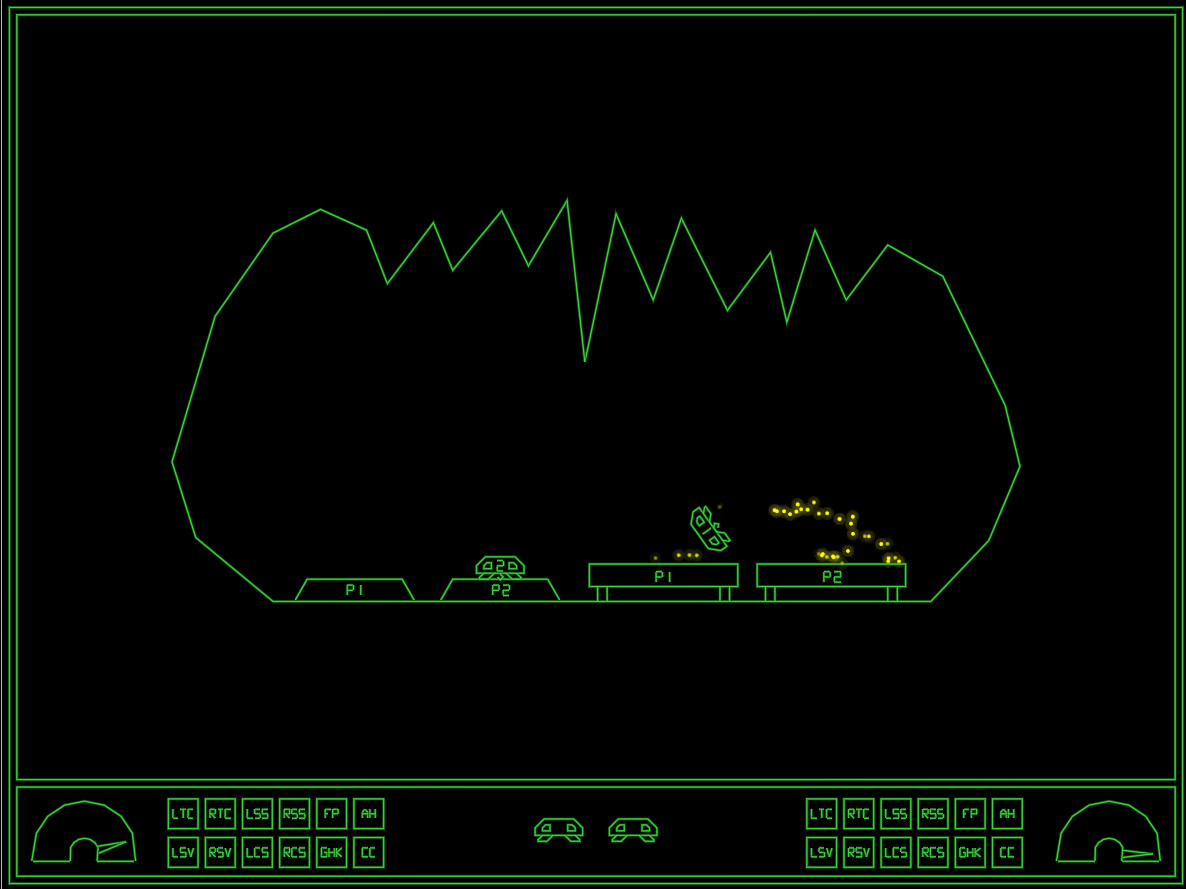
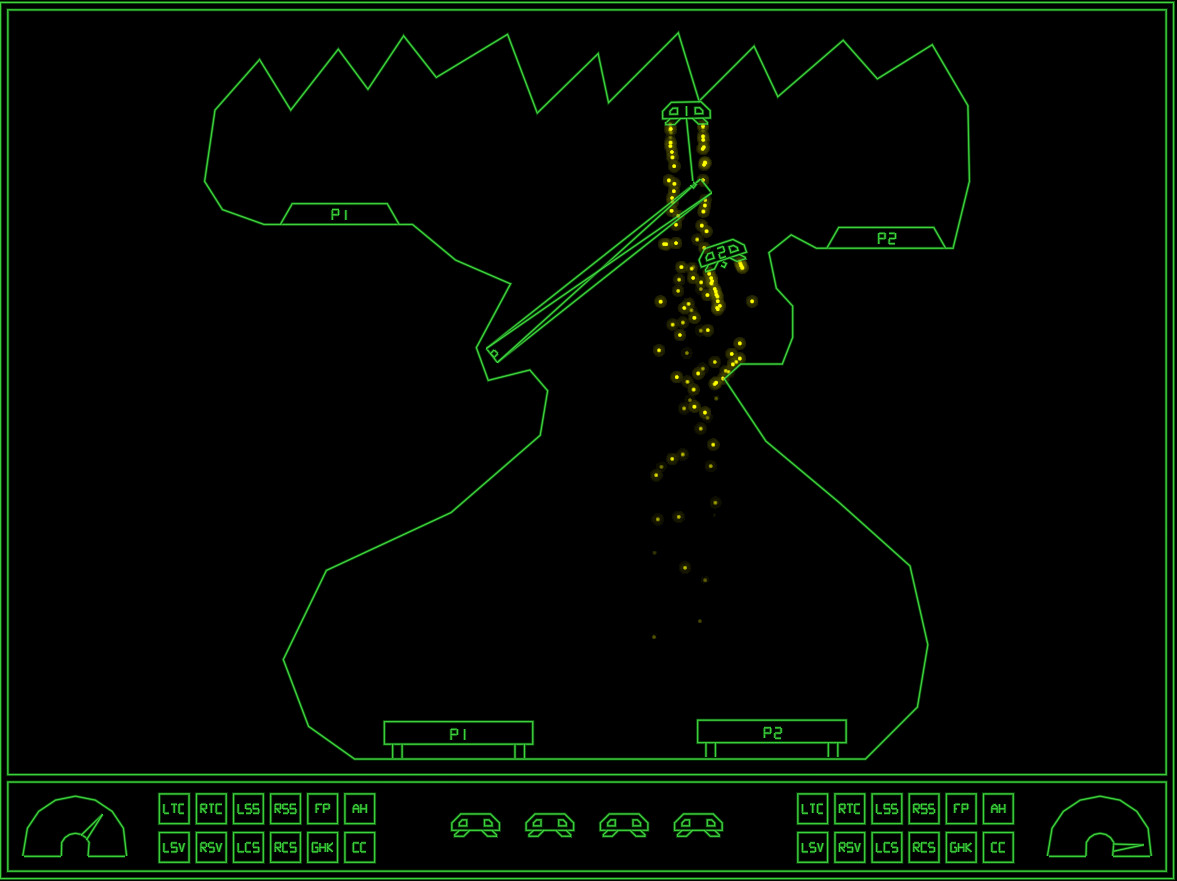
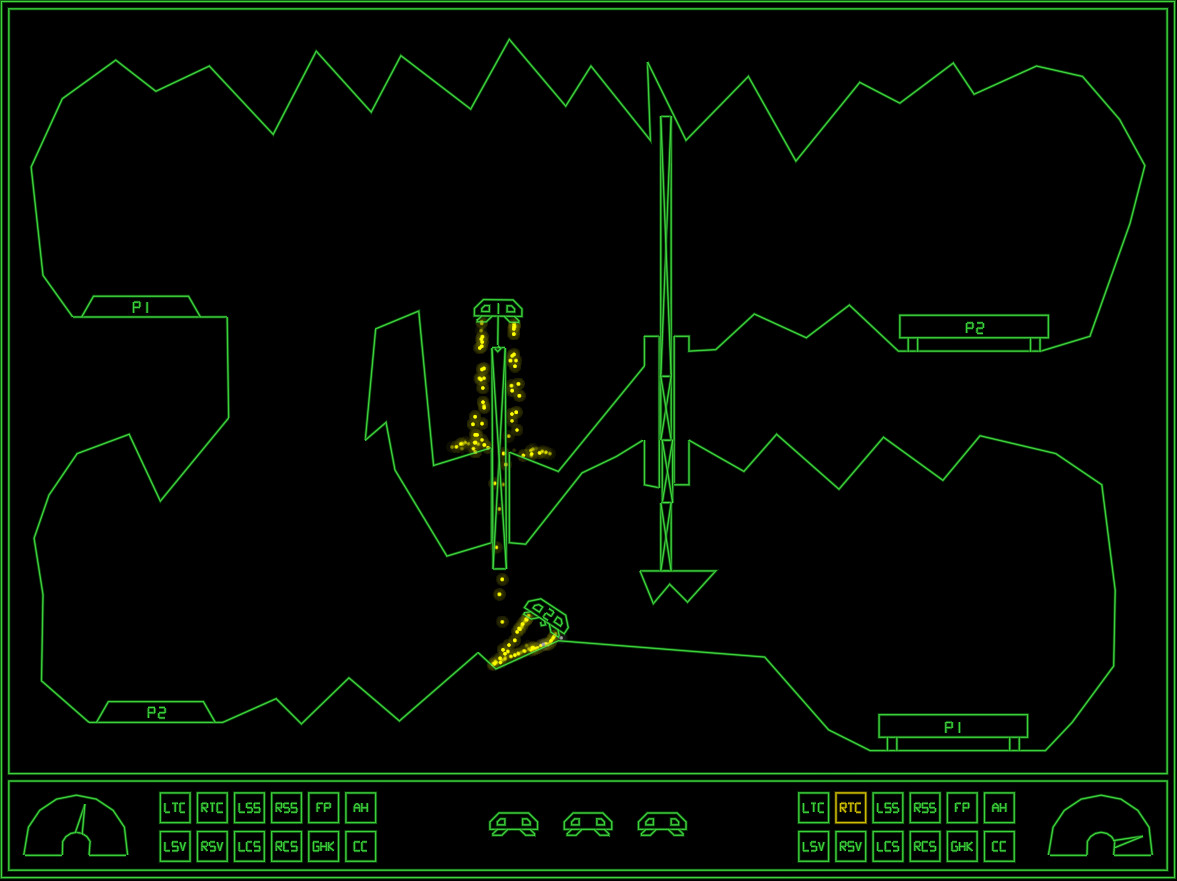
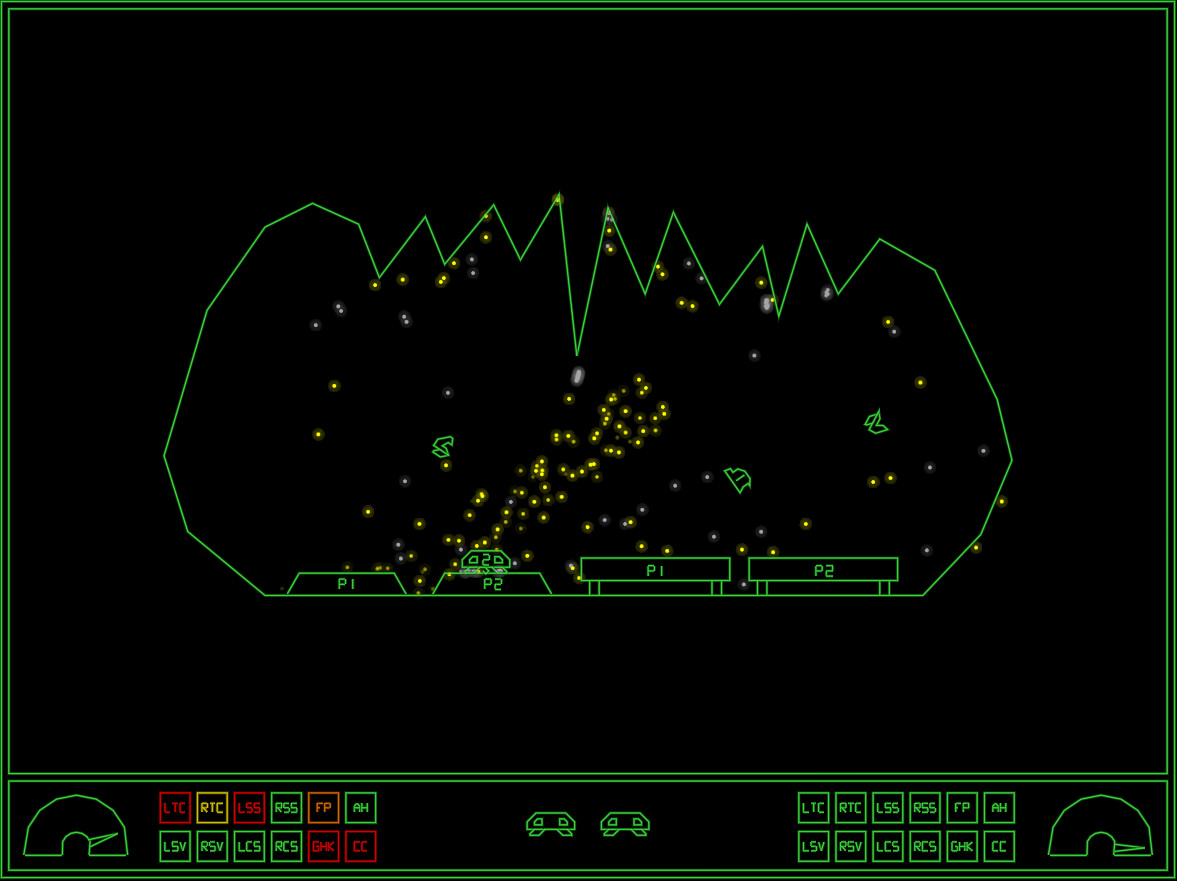
This 2D physics simulation has you trying to land two ships on their respective platform. Like the old classic Lunar Lander, but much more difficult and more heavily physics based.
Features:
- Two ships to land, even in singleplayer
- Ships are equipped with a grabber which can be used to lift boxes or other ships
- Ships are also equipped with an AutoHover System which can be activated by holding down the Switch Ships button (B)
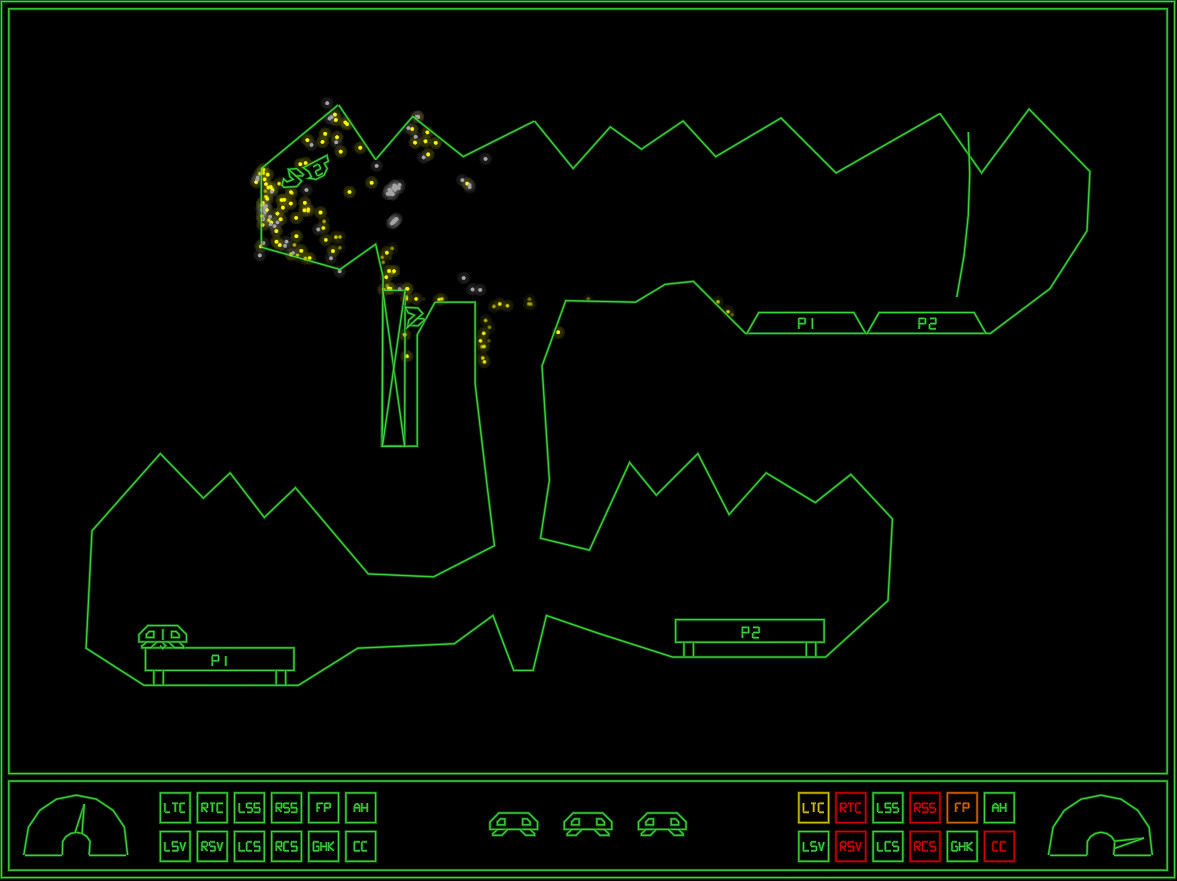
- Ships have lots of systems that can be damaged
- When damaged, a classic synthetic voice will say what systems are damaged
- The voice warnings can be acknowledged (muted) by pressing a button
- As this is the Arcade version, every play you will start on level one
- Extra ships are awarded every 30k points
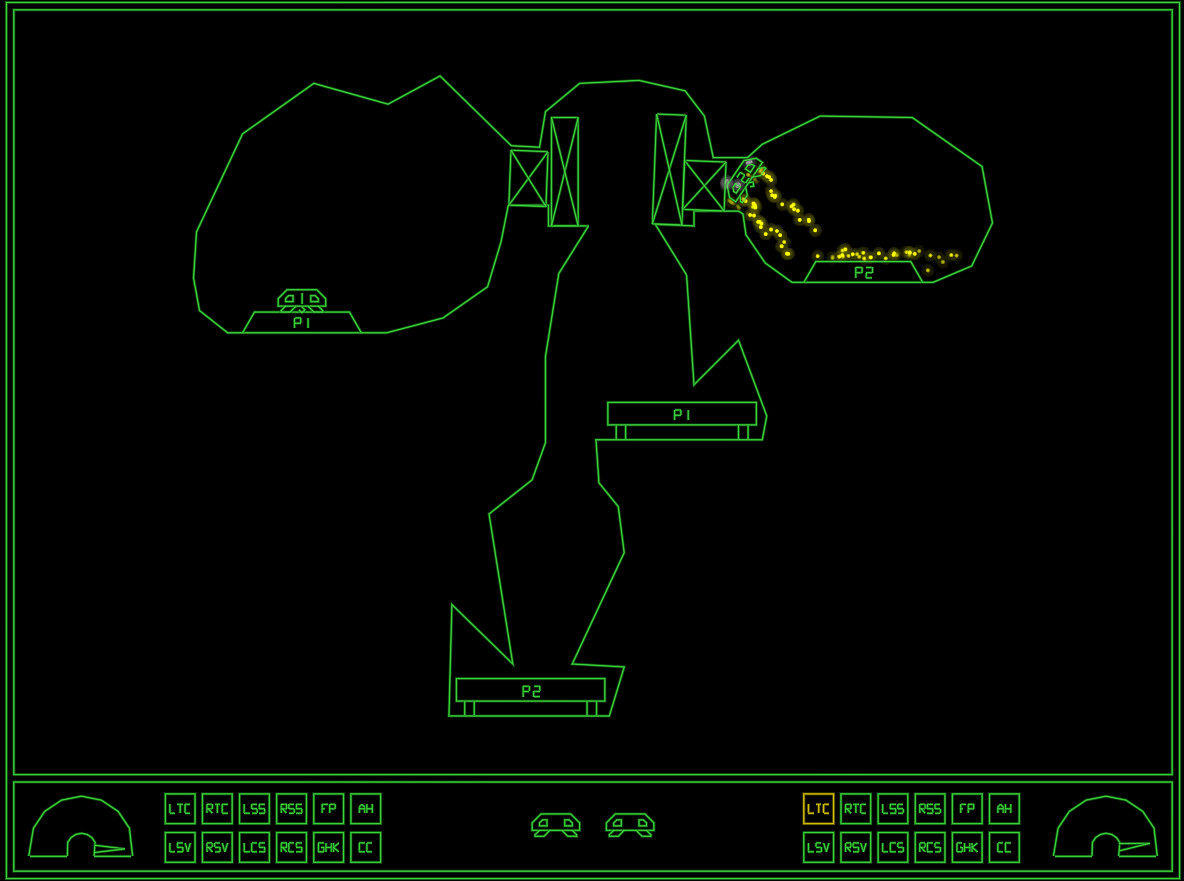
- 35 levels of increasing difficulty. We are not kidding on this one.
- Perfect for Arcade Cabinets, can even be set up to accept coins (See ‚If you happen to have an arcade cabinet‘ section below)
- Steam achievements
- Classic arcade style highscore with initials, with online entries from your Steam friends (All-time), and Global (Today).
- The first five players to beat the game will make it onto the "Prime Five" list on the web page
Controls:
XBox 360 Controller:
Bumpers = Thrusters
(A) = Grabber
(B) = Switch Ships / AutoHover (hold)
(X) = Acknowledge warnings (until something else breaks!)
(Y) = Self Destruct
Keyboard:
Left/Right Control = Thrusters
Left Shift = Grabber
Right Shift = Switch Ships / AutoHover (hold)
TAB = Acknowledge warnings (until something else breaks!)
X = Self Destruct
P2 keyboard controls:
F/H = Thrusters
R = Grabber
U = Switch Ships / AutoHover (hold)
E = Acknowledge warnings
I = Self Destruct
Note: Playing two players on one keyboard will likely be crowded, these are more meant to be mapped to from an I-PAC or similar arcade button to keyboard key converter.
Whoever first starts the game will become Player 1. Whoever next pushes a control will become Player 2. If Player 1 has switched ships Player 2 will control Ship 1 only until the end of the level. Starting next level, Player 1 controls Ship 1.
Tips and tricks:
- A Ship that’s been turned upside-down can usually be rescued using the grabber and the other ship. Don’t immediately Self Destruct!
- Firing both thrusters simultaneously will stop the ship’s rotation. If the ship is rotating to the right and you press both thrusters, only the right thruster will fire first, until the rotation has stopped. Unless, of course, the stabilizing system on that side is damaged.
- If both ships are destroyed at the same time, the level will be reset. Sometimes you will need to reset a level by self destructing both ships. If one ship is destroyed and you realize the level will need to be reset, Self Destruct the other ship quickly before it respawns, otherwise it will cost an additional life!
If you happen to have an arcade cabinet
This only applies to cabinets with a PC inside of them of course. In the Options screen you will find an option that may interest you:
Coin Handling:
- None: This is the normal PC setting. There is no concept of coins, and players can jump in from any controller
- Freeplay: No coins needed to play, just press 1P or 2P start.
- Internal: This is the normal Cabinet setting. Inserting coins increases the credits (‚5‘ on the keyboard or Select on the controller).
- External: This is if you have an external coin mechanism with its own credit counter. It should send keypresses to tell the game the credits situation: ‚0‘ for No credits (‚INSERT COIN‘ will be displayed), ‚8‘ for 1 credit (‚Press 1P Start‘ will be displayed), or ‚9‘ for Multiple credits (‚Press 1P or 2P Start‘ will be displayed). Also, Multiple Credits can be pressed again and again to play the coin inserted sound effect.
In all coin modes except ‚None‘, pressing 1P start (‚1‘ on the keyboard, or Start on Controller 1) will start a 1P game and P1 then controls the game either from keyboard or controller 1. Pressing 2P Start will start a 2P game, with P2 controlling Ship 2 from P2 keyboard controls or controller 2. In the ‚None‘ mode, pressing any input on any controller will start a game with P1 controlling the game from that controller, and the second controller to receive a button press will join as P2.
If you have a cabinet with default Mame key assignments, replace the "KeyMap.cfg" file with the "KeyMap_MAME.cfg" file. If you have different keys assigned, edit the file and adjust accordingly. Because many cabinets only have three buttons, in this config the stick is used for three of the buttons. Left=Mute, Down=Self Destruct and Right=Switch ships/Autohover. Feel free to change these if you have more buttons and want to use them.
Most arcade frontends can be tricked into launching PC games, usually by creating a dummy "Emulator" called PC, and maybe a dummy file as the "rom". This way GravitreX can coexist with all your other arcade games! If your cabinet does not have internet access, set Highscores to local in the options, and it will save highscores locally to a file instead (local highscores can also be selected from the options menu).
If you have a cabinet (or plan to build one), and want to put it somewhere public and actually charge real money from people, get in touch with us about getting a commercial license and a customized non-steam version of the game.
Häufige Fragen zu GravitreX Arcade
Was kostet GravitreX Arcade aktuell?
GravitreX Arcade kostet als Steam-Key aktuell ab 0,92 € bei Kinguin. Wir vergleichen 3 verfügbare Angebote aus 3 Shops. Stand: 12. Oktober 2026, 16:20 Uhr.
Wo ist GravitreX Arcade am günstigsten?
Am günstigsten ist GravitreX Arcade aktuell bei Kinguin, als Steam-Key für 0,92 €.
Was kostet der günstigste Steam-Key inklusive Gebühren?
Der günstigste Steam-Key kostet 0,92 € bei Kinguin. Darin sind 0,45 € Gebühren enthalten.
Wie viel spare ich gegenüber Steam?
Bei Steam kostet GravitreX Arcade 7,50 €. Mit dem günstigsten Steam-Key für 0,92 € bei Kinguin sparst du 6,58 € (88 %).
Worum geht es in diesem Spiel?
Aus der Kurzbeschreibung auf Steam (Originaltext): „This 2D physics simulation has you trying to land two ships on their respective platform.“
Für welche Plattform gelten diese Angebote?
Verglichen werden Angebote für PC. Edition, Aktivierungsdienst und Region prüfst du beim jeweiligen Angebot.
Welche Spielmodi bietet diese Fassung?
Angegebene Spielmodi für diese Fassung: Couch-Koop.
Welche Sprachen sind für diese Fassung angegeben?
Englisch. Die Angaben unterscheiden nicht zwischen Oberfläche, Untertiteln und Sprachausgabe.
Kann ich die PC-Fassung mit einem Controller spielen?
Steam kennzeichnet die PC-Fassung mit voller Controllerunterstützung. Quelle: Steam-Produktseite.
Welche Mindestanforderungen hat die PC-Fassung?
Betriebssystem: Windows 7 or later
Prozessor: SSE2 instruction set support.
Arbeitsspeicher: 2000 MB RAM
Grafik: Graphics card with DX10 (shader model 4.0) capabilities.
Speicherplatz: 100 MB verfügbarer Speicherplatz
Quelle: Steam-Produktseite.
Prozessor: SSE2 instruction set support.
Arbeitsspeicher: 2000 MB RAM
Grafik: Graphics card with DX10 (shader model 4.0) capabilities.
Speicherplatz: 100 MB verfügbarer Speicherplatz
Quelle: Steam-Produktseite.
Welcher Veröffentlichungstermin ist angegeben?
Veröffentlichungstermin dieser Fassung: 03.03.2021.
Bewertungen
Wie gefällt dir GravitreX Arcade?
Screenshots
Quelle: Steam